
Modules and WiFi Gateways/Bridges
 Smart Lock WiFi Gateways
Jump to the product listings ↓
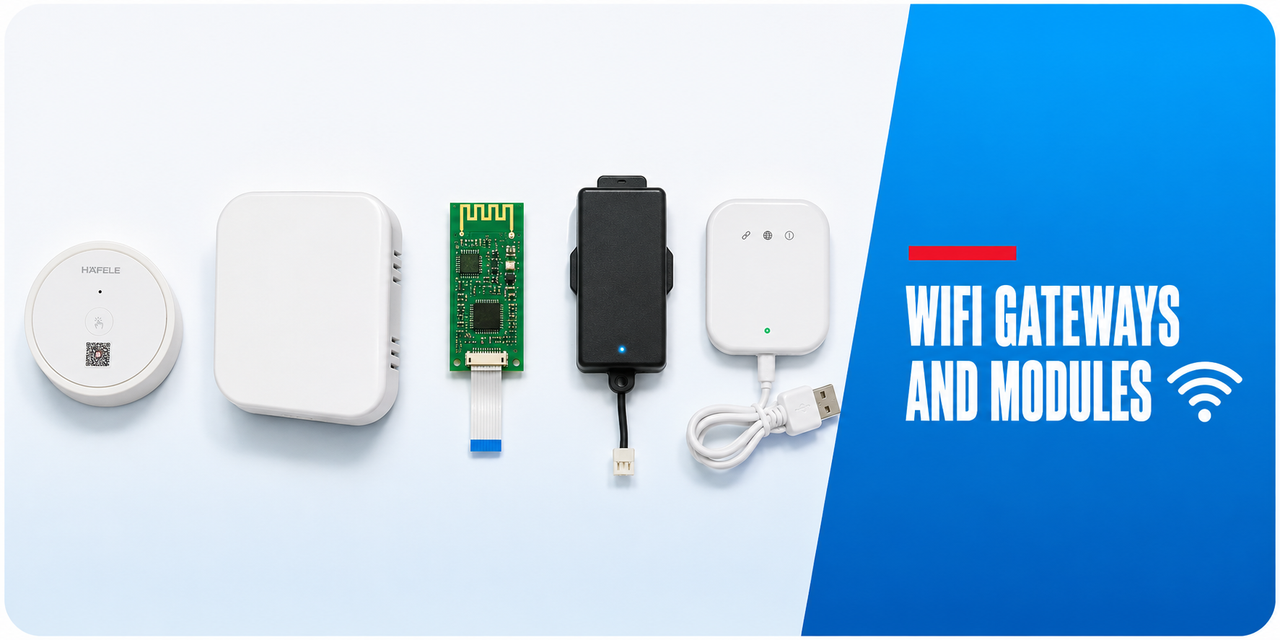
A gateway bridges a Bluetooth lock to your network so it can be reached remotely. Modules do the same job from inside the lock, on Zigbee, Z-Wave or WiFi. Neither changes how the lock works at the door; both change what you can do when you are not standing at it.
 Gateway or module?
 Placement and setup
- 2.4 GHz only — gateways almost universally use the 2.4 GHz band and cannot join a 5 GHz network.
- Split your SSIDs — band steering under a single network name is the most common cause of dropouts. The band-steering problem.
- Midway placement — the gateway needs signal from the router and from the lock. The midpoint usually beats putting it next to either.
- Avoid metal and masonry — a gateway on the far side of a rendered wall from the lock will be unreliable.
- Keep it powered — a gateway on a switched outlet or a power board that gets turned off will silently stop working.

The gateway comparison guide sets out the differences between generations, including which support dual-band networks and which have the better range.
 Related categories
WiFi Smart Locks · Bluetooth Smart Locks · App Enabled · Power Accessories · All Accessories
 Common questions
Do I need a gateway?
Only if you want to control or monitor the lock when you are not near it. Everything at the door works without one. What a gateway does.
Only if you want to control or monitor the lock when you are not near it. Everything at the door works without one. What a gateway does.
Will any gateway work with any lock?
No. Gateways are platform specific. A gateway for one platform will not connect a lock from another, even where the hardware looks similar. Cross-brand interchangeability.
No. Gateways are platform specific. A gateway for one platform will not connect a lock from another, even where the hardware looks similar. Cross-brand interchangeability.
Where should I put the gateway?
Roughly midway between the router and the lock, in a permanently powered outlet, with as little masonry in the path as possible. Gateway placement.
Roughly midway between the router and the lock, in a permanently powered outlet, with as little masonry in the path as possible. Gateway placement.
 Guides and reference
Ch 08 — Gateway comparison · G2 to G5 gateways compared · Zigbee and Z-Wave modules explained · Why smart locks drop off WiFi · Ch 14 — Choosing the right gateway