
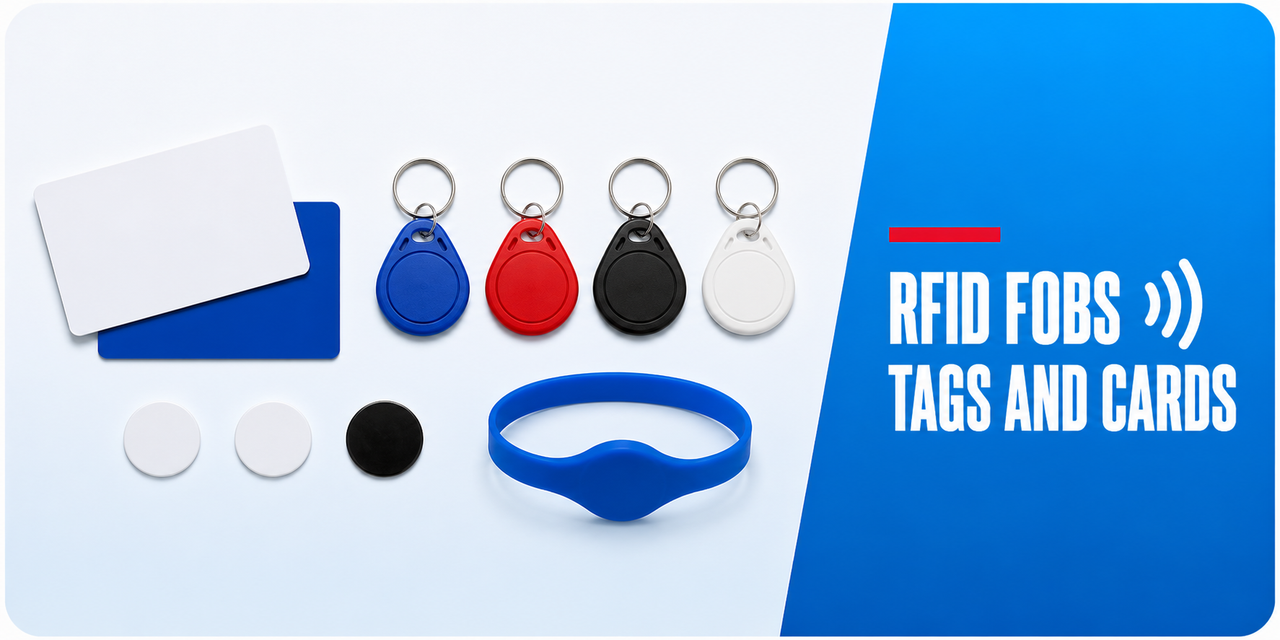
RFID/Fobs/Tags/Cards
Spare and additional credentials for locks that read RFID. The critical detail is format: a fob has to operate on the same frequency and protocol as the reader, and an encrypted card will not enrol on a lock that does not hold the keys for it.
 Matching the credential to the lock
 Choosing a form factor
- Keyring fob - the default. Durable, easy to carry, easy to hand over.
- Card - suits a wallet or lanyard, and can be printed for identification.
- Adhesive tag - sticks to a phone case or existing card for people who will not carry another item.
- Wristband - for pools, gyms and environments where pockets are impractical.

Order spares at the same time as the lock. Matching credentials later is straightforward on some platforms and requires a specific enrolment card on others.
 Related categories
Fob, Card and RFID Locks · Keypads · Internal Doors · All Accessories
 Common questions
Will a fob from another lock work on mine?
Only if the frequency and protocol match and the credential is not encrypted with keys your lock does not hold. Check the format on both before assuming.
Only if the frequency and protocol match and the credential is not encrypted with keys your lock does not hold. Check the format on both before assuming.
How do I add a new fob?
Through the lock's enrolment procedure, usually from the app or by using an existing admin credential at the reader. The exact sequence is model specific.
Through the lock's enrolment procedure, usually from the app or by using an existing admin credential at the reader. The exact sequence is model specific.
Can a fob be cloned?
Low-frequency 125 kHz credentials can be copied easily with widely available equipment. Encrypted 13.56 MHz formats are substantially harder. Specify the encrypted format where the door matters.
Low-frequency 125 kHz credentials can be copied easily with widely available equipment. Encrypted 13.56 MHz formats are substantially harder. Specify the encrypted format where the door matters.
 Guides and reference